Hosting
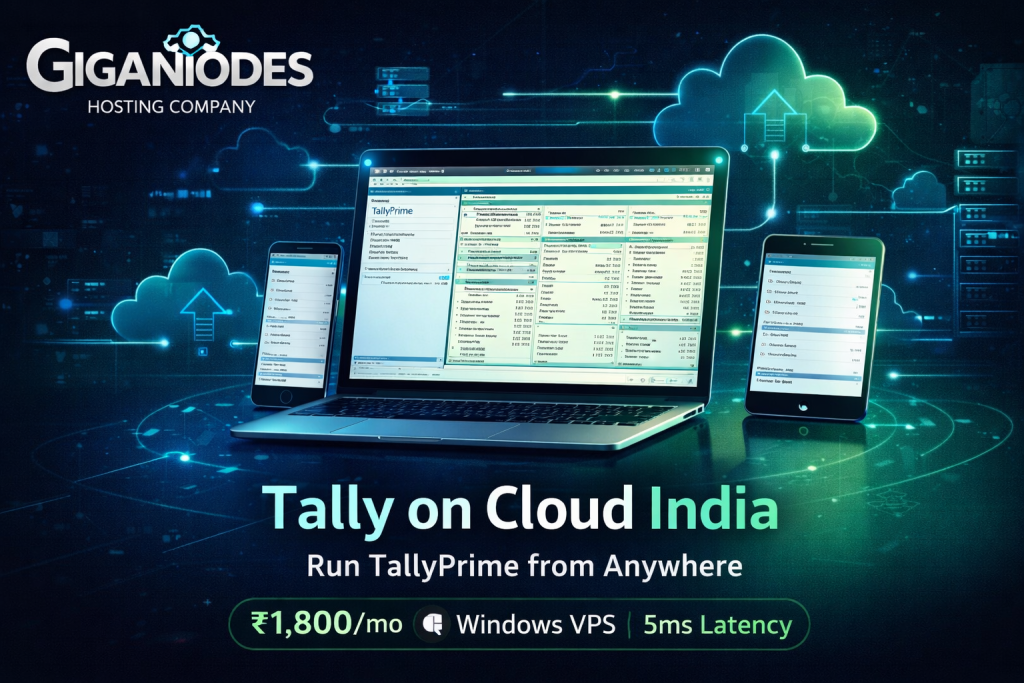
Tally on Cloud India 2026 — Run TallyPrime from Anywhere on Windows VPS
Published 6 April 2026 · Updated 10 April 2026 · GigaNodes Team
VPS /month
Delhi NCR Ping
IOPS NVMe
Mac, Android, iOS
What Is Tally on Cloud India?
Tally on Cloud India means hosting your TallyPrime software and company data on a Windows VPS (Virtual Private Server) in an Indian datacenter, and accessing it from anywhere using RDP (Remote Desktop Protocol). Instead of Tally sitting on a single office PC, it lives on a secure cloud server — always on, always accessible.
The setup is straightforward: your VPS runs Windows Server, TallyPrime is installed on it, and you connect via the Microsoft Remote Desktop app on any device — Windows laptop, Mac, Android phone, or iPad. To Tally, it looks like you’re sitting right at the server. Your data never leaves the datacenter.
- Only on Windows PC
- One location only
- Data lost if PC crashes
- No remote access
- Manual backups
- IT person needed for updates
- Any device — Mac, mobile, tablet
- Access from anywhere, 24/7
- Daily automated backups
- Multi-user simultaneous access
- No local Windows PC needed
- VPS managed by GigaNodes
Tally on Cloud India — Which VPS Specs Do You Need?
TallyPrime is not resource-heavy — the minimum requirement is just 2GB RAM. But for Tally on Cloud India to feel fast, you need enough RAM for Windows Server itself (which takes 2–3GB), Tally, and all concurrent users. The NVMe IOPS matters too — faster storage = faster ledger loads and report generation.
| Users | Setup | Min Specs | GigaNodes Plan | Price |
|---|---|---|---|---|
| 1 User | Owner / CA / Single accountant | 2 vCPU, 4GB RAM, 30GB SSD | Cloud S | ₹1,800/mo |
| 2–5 Users | Small office, CA firm, SME | 4 vCPU, 8GB RAM, 60GB SSD | Cloud S | ₹1,800/mo |
| 5–10 Users | Mid-size business, CA firm with staff | 8 vCPU, 16GB RAM, 120GB SSD | Cloud M | ₹3,600/mo |
| 10–20 Users | Multi-branch, large enterprise | 16 vCPU, 32GB RAM, 256GB SSD | Cloud L | ₹7,200/mo |
| 20+ Users | Large enterprise, multiple companies | 20 vCPU, 64GB RAM, 512GB SSD | Cloud XL | ₹14,400/mo |
All plans: AMD EPYC 7C13 · 141,108 IOPS NVMe · Cloudflare Magic Transit DDoS · Unmetered 1Gbps · Yotta Noida DC · Windows Server deployable · UPI · GST invoice
Why GigaNodes for Tally on Cloud India
Yotta Noida is 5–20ms from Delhi, Gurgaon, Noida, Faridabad. Your Tally RDP session feels like a local machine — no lag while generating reports or entering vouchers.
TallyPrime reads and writes company data constantly. 141,108 IOPS NVMe means reports, daybooks, and ledger statements load in under a second even for large data files.
Your Tally RDP server is always reachable — Cloudflare Magic Transit DDoS protection ensures your accounting team is never locked out due to network attacks. Included free on every plan.
Pay via Google Pay, PhonePe, or Paytm in INR. Every invoice is a proper GST document — your CA can claim ITC. No forex, no USD billing, no international card needed.
Unlike managed Tally cloud services where you share a server with many businesses, your GigaNodes VPS is dedicated. No other company’s data is on your server. Full root access.
₹1,800/mo today is ₹1,800/mo next year. No introductory pricing traps. What you sign up for is what you always pay.
TallyPrime Silver vs Gold on Cloud — Which License Do You Need?
Tally on Cloud India works with both TallyPrime editions — but the license type determines how many users can work simultaneously:
- Single-user license
- Only 1 person at a time
- Suitable for: solo owner, single CA
- VPS needed: Cloud S (₹1,800/mo)
- Multi-user license
- Unlimited simultaneous users
- Suitable for: teams, branches, CA firms
- VPS needed: Cloud S+ based on users
Note: TallyPrime licenses are sold by Tally Solutions and their authorized partners — GigaNodes provides only the Windows VPS infrastructure. You bring your own TallyPrime license and install it on the VPS, or buy one from a Tally partner.
How to Set Up Tally on Cloud India — Step by Step
Go to giganodes.host/vps/india, pick your plan (Cloud S for 1–5 users), select Windows Server as the OS during checkout. Pay via UPI — VPS is live in minutes.
Use Microsoft Remote Desktop (free app on Windows, Mac, Android, iOS). Enter your VPS IP address and credentials. You’ll see a full Windows Server desktop in your browser or app.
Download TallyPrime installer from tallysolutions.com inside your VPS. Install it as you would on any Windows PC. Activate your TallyPrime Silver or Gold license.
Copy your existing Tally data folder to the VPS via RDP file transfer or FTP. Takes 2–10 minutes depending on data size. Open Tally, point it to the data folder, done.
Your team connects to the same VPS IP via RDP from their laptops, phones, or tablets. Everyone sees the same Tally data in real time. Set up Windows user accounts to control access per team member.
Tally on Cloud India — DIY VPS vs Managed Cloud Services
You have two approaches to Tally on Cloud India — buy a managed Tally cloud plan from a Tally-specific provider, or set up your own Windows VPS on GigaNodes. Here is the honest comparison:
| Factor | Managed Tally Cloud | GigaNodes Windows VPS |
|---|---|---|
| Price | ₹700–1,500/mo per user | ₹1,800/mo for whole VPS |
| Shared server | ❌ Your data on shared hardware | ✅ Dedicated VPS — only yours |
| Root access | ❌ No root access | ✅ Full administrator access |
| Other software | ❌ Tally only | ✅ Install anything — Busy, MARG, Excel, etc. |
| Data control | ⚠️ Provider controls backups | ✅ You control all data and backups |
| Performance | ⚠️ Shared — varies with load | ✅ Dedicated AMD EPYC resources |
| Setup effort | ✅ Zero — fully managed | ⚠️ 30–60 min one-time setup |
| GST invoice | ⚠️ Sometimes | ✅ Always — GigaNodes is Indian company |
Bottom line: If you have 3+ users, a GigaNodes VPS at ₹1,800/mo works out cheaper than any managed Tally cloud service (which charges ₹700–1,500 per user per month). With 5 users on a managed plan you’d pay ₹3,500–7,500/mo for a shared server. GigaNodes gives you a dedicated VPS for ₹1,800/mo.
GigaNodes Windows VPS Plans for Tally on Cloud India
| Plan | vCores | RAM | NVMe | Monthly | Tally Users |
|---|---|---|---|---|---|
| Cloud Nano 🆕 | 1 | 2 GB | 20 GB | ₹500/mo | 1 user (light usage) |
| Cloud XS 🆕 | 2 | 4 GB | 40 GB | ₹1,000/mo | 1–2 users |
| Cloud S Most Popular | 4 | 8 GB | 60 GB | ₹1,800 | 1–5 users comfortably |
| Cloud M | 8 | 16 GB | 120 GB | ₹3,600 | 5–10 users, large data files |
| Cloud L | 16 | 32 GB | 256 GB | ₹7,200 | 10–20 users, multi-company |
| Cloud XL | 20 | 64 GB | 512 GB | ₹14,400 | 20+ users, large enterprise |
AMD EPYC 7C13 · 141K IOPS NVMe · Cloudflare Magic Transit DDoS · Unmetered 1 Gbps · Yotta Noida DC · Windows Server available · UPI + GST invoice · 99.9% SLA
📚 Related GigaNodes Guides
Tally on Cloud India — FAQ
Run TallyPrime on Cloud from ₹1,800/mo
AMD EPYC 7C13 · 141K IOPS · 5ms Noida DC · DDoS Included · UPI + GST · Windows Server Ready · Deploy in Minutes
99.9% uptime SLA · No renewal hike · 24/7 support · Deploy in minutes